
For the past few months, @OutloudAIBot has done one thing really well: turn article URLs into audio. You paste a link, you get audio back. Simple.
But we kept hearing from people who wanted to convert other things. Text they'd copied. Notes they'd written. Markdown files from their research. Messages forwarded from other chats.
So we rebuilt the bot to handle all of it.
What actually changed
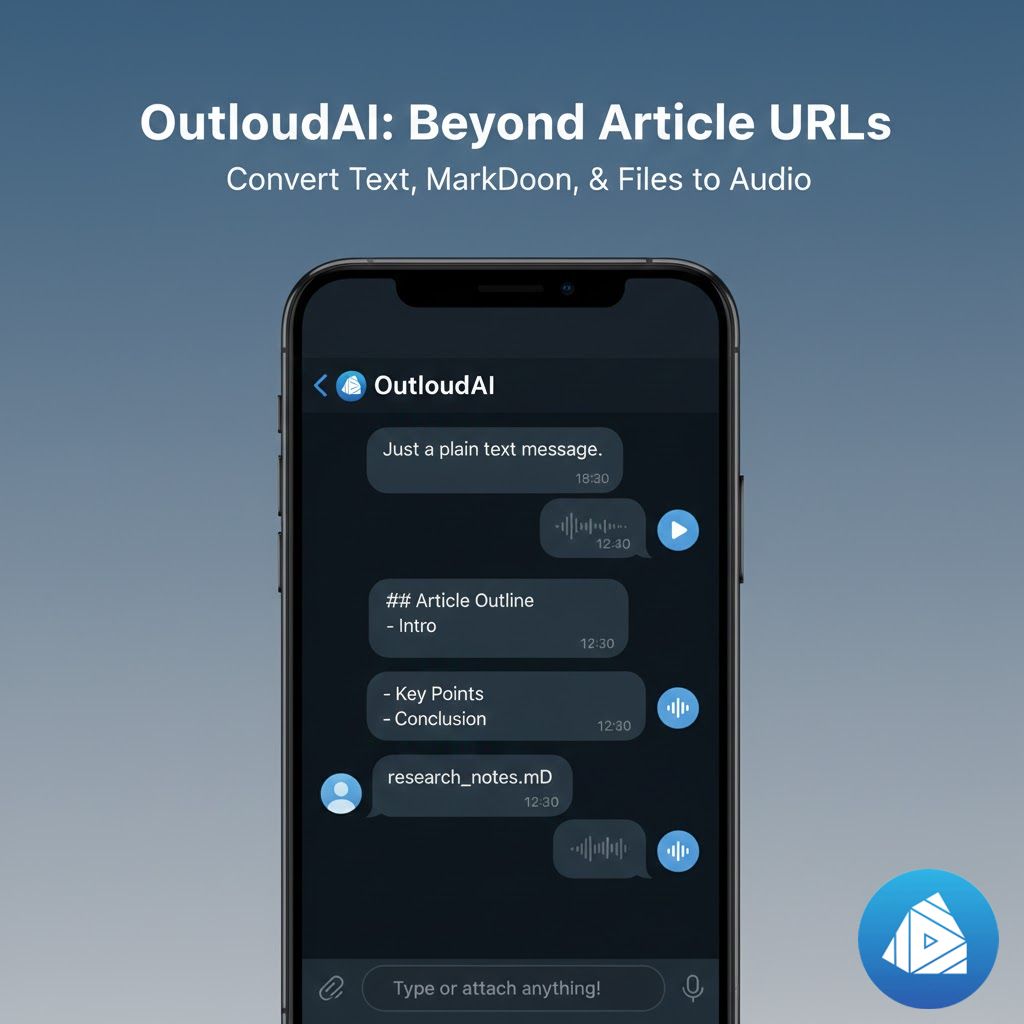
As of today, you can send OutloudAI basically anything text-based and it'll convert it to audio.
Plain text messages now work. Just type or paste text directly into the chat. No URL needed. The bot reads it, converts it to audio, and sends it back. Good for notes you want to listen to while commuting, or text you've copied from somewhere that doesn't have a clean URL.
Text and markdown files upload directly. Drag a .txt or .md file into the chat. The bot processes it and gives you audio. If the file is large—over a few thousand words—it also offers a summary version so you can choose between the full audio or just the key points.
Messages you forward get converted too. See something in another Telegram chat you want to listen to? Forward it to OutloudAI. It'll extract the text and convert it. If there are images or videos in the message, it ignores them and just reads any captions or text.
Mixed content gets smart handling. Send a message that includes both text and a URL? The bot now asks which you want: the text you typed, or the article at that link. Before, it would just default to the URL and ignore your message.
The intelligence layer
The bot got smarter about what you actually want.
It recognizes invalid URLs now. Before, if you mistyped a link, the bot would try to convert it and return garbage. Now it catches typos and malformed URLs, then asks you to send a valid link instead of wasting time on jibberish.
It ignores media automatically. Forward a message with photos and videos? OutloudAI skips the media and focuses on text and captions. You don't get silence or error messages—just the readable content converted to audio.
File size gets appropriate treatment. Small files convert instantly. Large files get the summary option automatically because sometimes you want the overview first before committing to a 45-minute audio file.
Why this matters
The URL-only approach worked fine for articles, but it missed a lot of real use cases.
Sometimes you're researching and you've copied chunks of text into a note. You want to listen to that note while walking, but there's no URL to send. Now you just paste the text.
Sometimes you have markdown files full of research or documentation. Converting those to audio meant finding a way to publish them online first, then sending the URL. Now you just upload the file.
Sometimes someone sends you a long message in another chat and you don't have time to read it. Forward it to OutloudAI, listen during your next activity.
The pattern we kept seeing: people had text they wanted as audio, but it wasn't always in article form with a convenient URL. So we made the bot flexible enough to handle text from wherever it comes from.
How it actually works now
The experience is still dead simple. Open your chat with @OutloudAIBot.
For text: Just type or paste. Send. Get audio back.
For files: Upload a .txt or .md file. The bot processes it and returns audio. Large files get both full audio and a summary option.
For messages: Forward any text message. It converts the content automatically.
For URLs: Still works exactly like before. Paste a link, get clean audio of the article.
For mixed content: If your message has both text and a URL, the bot asks which you want converted.
What people are using this for
We've been testing this with a small group for the past few weeks. Here's what they're actually doing with it.
Meeting notes to audio: Someone takes meeting notes in markdown, uploads them to OutloudAI, and listens during their commute home to review what happened.
Research compilation: A grad student collects quotes and excerpts in a text file throughout the week, then converts the whole thing to audio for weekend listening.
Newsletter drafts: A writer converts their draft newsletter to audio to hear how it sounds before publishing. Catches awkward phrasing better than reading.
Forwarded content: Someone's in a Telegram channel that posts long updates. They forward them to OutloudAI instead of reading in the channel, then listen while doing other things.
Copied text from paywalled sites: If you're subscribed to a publication but it doesn't have a clean article URL, you can copy the text and convert it directly.
What still works the same way
Article URLs remain the primary use case. That hasn't changed. Paste any article link and you get clean audio, a summary, and readable text—just like before.
The audio quality is still the same natural-sounding voices. Processing speed is still fast. The bot still can't access paywalled content you're not subscribed to.
This update just expands what counts as input. URLs, text, files, messages—they all go in, audio comes out.
Try the new inputs
If you're already using OutloudAI, just send it something new. Paste some text. Upload a file. Forward a message. See what happens.
If you haven't tried it yet, now's a good time. Open Telegram, search for @OutloudAIBot, and send it literally any text content. Article URL, plain text, markdown file, whatever. It'll convert it.
The goal was always to make consuming content easier. URLs were step one. Now it's everything else too.