
I found this fascinating 12,000-word article about the history of computing. Zero chance I'd ever read it sitting down, so I tried Safari's "Listen to Page" feature.
Seven minutes in, it was still reading the navigation menu, cookie banners, and related article headlines. When it finally reached the actual article, I'd already lost interest.
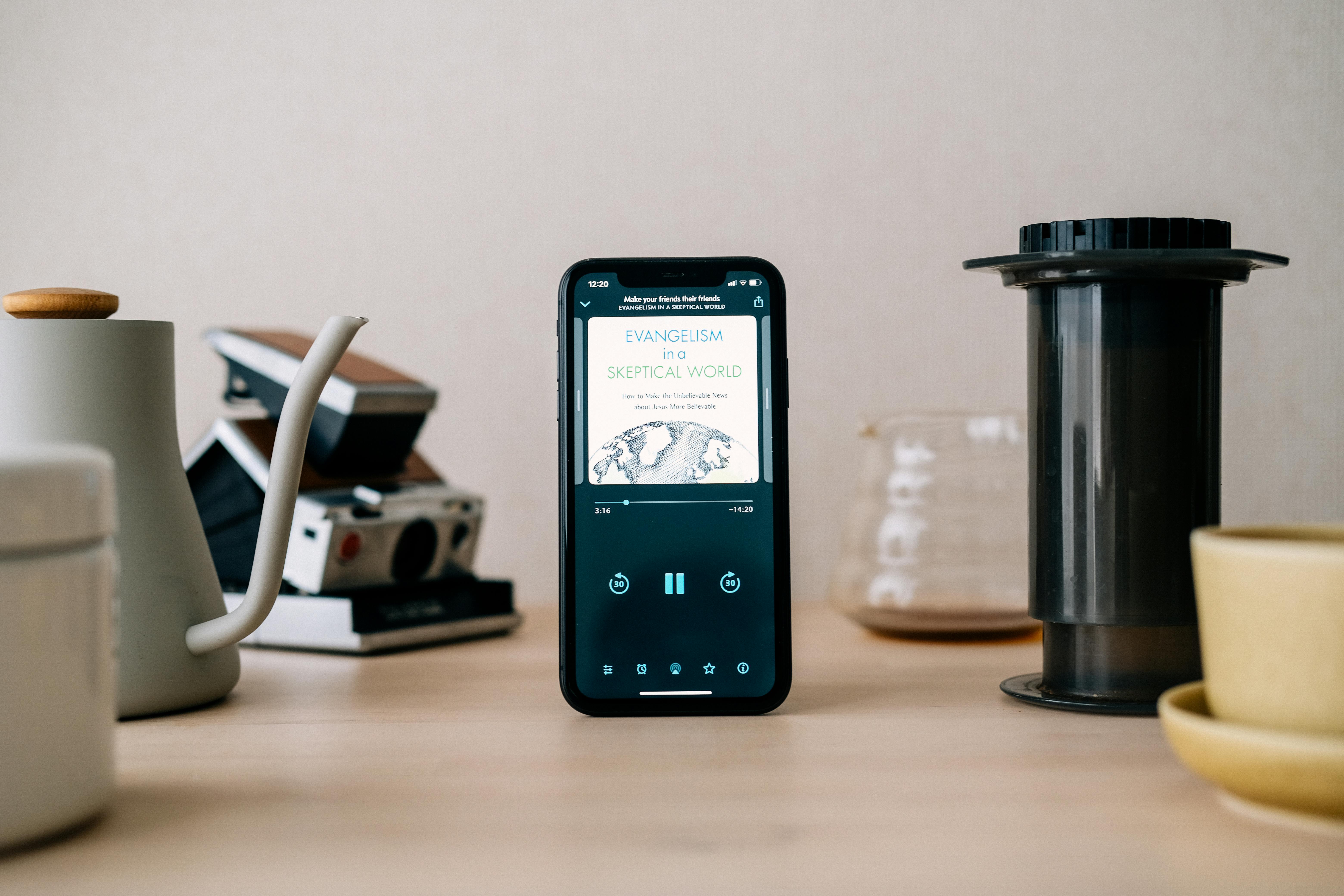
This is the text-to-speech problem nobody talks about. The technology exists. Your phone has it built in. Browser extensions advertise it. Premium apps promise natural voices. But somehow, none of them actually work for real articles.
I spent a weekend testing everything I could find. Safari Reader Mode combined with iOS Speak Screen reads everything on the page—share buttons, newsletter signup forms, every UI element with the same monotone delivery. Chrome extensions like Read Aloud work fine if you manually highlight text, which defeats the entire purpose for a 10,000-word piece.
Pocket's audio feature is decent but requires saving articles to Pocket first, then opening the app, then finding your article. Too many steps between "I want to hear this" and actually hearing it. Speechify sounds great but costs $139 a year and still requires you to manually copy content into a separate app.
The real issue isn't voice quality anymore. Modern AI can generate very natural speech. The problem is content extraction. Most web articles exist inside cluttered pages with ads, sidebars, popups, and navigation menus. Generic text-to-speech tools can't distinguish between the article and all this noise.
What you actually need is something that fetches the URL, extracts only the article content, ignores interface elements, converts clean text to natural audio, and returns it instantly. This is surprisingly hard because websites use thousands of different structures.
After testing everything, one approach actually solved this: @OutloudAIBot on Telegram. It uses modern AI to understand article structure across different sites. Send it a Medium article and it extracts the story. Send it a New York Times piece and it gets the article minus subscription prompts. Forbes pages with ads everywhere—it finds the actual content underneath.
The workflow is just: copy URL, paste into Telegram, get audio. Processing takes maybe ten seconds. The voices are natural enough that you forget you're listening to AI after a couple minutes.
I've converted hundreds of articles at this point. News sites work perfectly. Medium and Substack are flawless. Technical blogs mostly work great, though occasionally code syntax gets read aloud in funny ways. Academic papers work if they're HTML, not PDF.
What doesn't work: articles behind hard paywalls you're not subscribed to, because the bot can only access what you can access. Badly formatted old blogs sometimes confuse the content extraction. But these are edge cases.
The thing about long articles is they expose every flaw in text-to-speech tools. You can tolerate robotic speech for four minutes. Ten minutes becomes exhausting. When ads interrupt mid-article, you lose the narrative thread completely.
Here's what changed for me: I stopped trying to find time to read long articles. I just convert them in the morning while making coffee, then listen during my commute or while doing chores. My reading list actually gets shorter instead of growing.
Not everything works as audio. Dense philosophy needs to be seen. Poetry loses its structure. Articles built around infographics miss the visuals. But for news, essays, analysis, profiles—basically most of what you're trying to read—audio works fine.
The system is dead simple. Check your usual sources in the morning. Copy interesting URLs. Paste them into @OutloudAIBot. Listen whenever you have ears available but eyes are busy. That's it.
Try it with one article. Something you've been meaning to read but haven't. Copy the URL, send it to @OutloudAIBot, listen during your next walk or commute. If you actually finish it—something you wouldn't have read otherwise—you'll see why this works better than everything else.